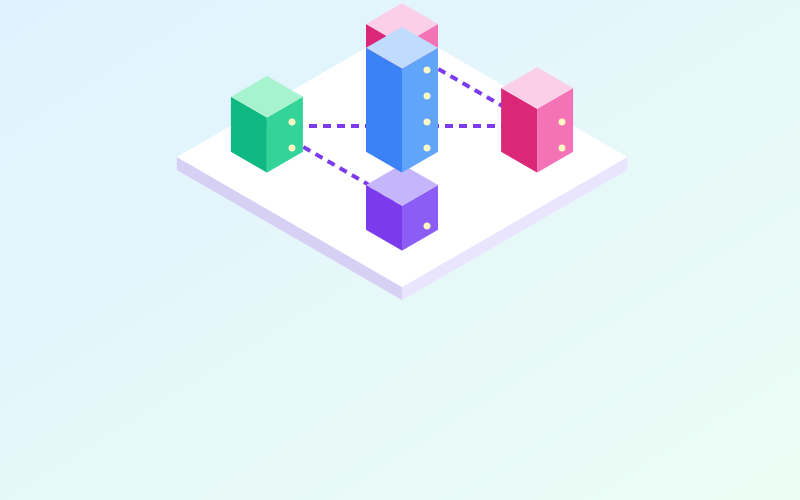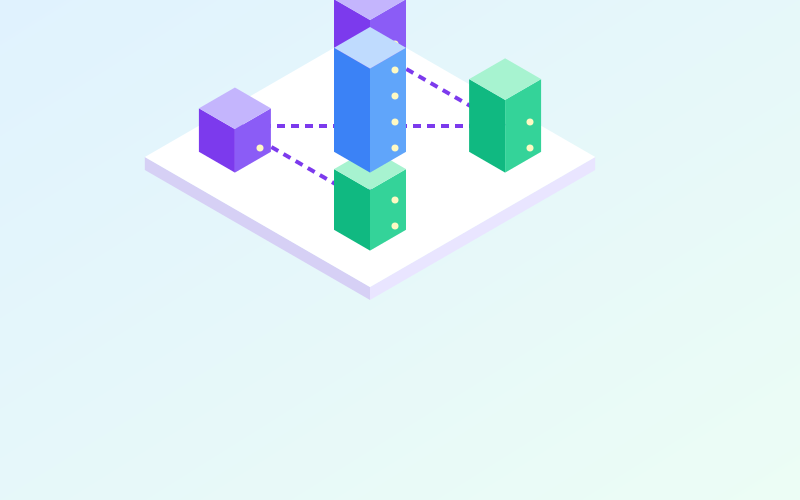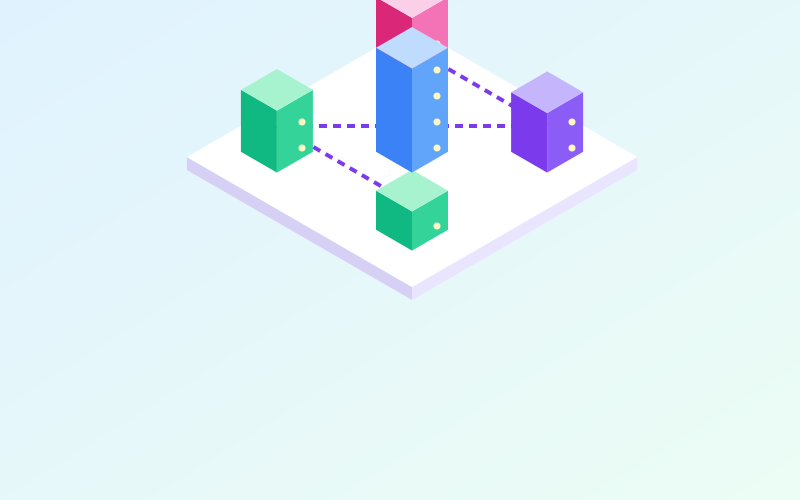
A CDN (Content Delivery Network) is a network of servers spread across many locations that sits between visitors and your website's server, called the origin. Instead of every request travelling all the way to the origin, the CDN serves content from a node close to the user. The result is a faster site, a less burdened origin and, often, extra protection against abnormal traffic.
The principle: bring content closer
Distance matters. A request crossing a continent takes tens of milliseconds just for the trip, and a modern page needs many of them: HTML, stylesheets, scripts, images, fonts. Every exchange adds delay.
A CDN has nodes, called edge servers or PoPs (Points of Presence), in many cities. When a visitor in Palermo opens a site hosted in Germany, the request can stop at a node in Italy. If that node already holds a copy of the file, it responds immediately; otherwise it fetches it from the origin, delivers it and keeps it for subsequent visitors.
How the CDN fits into the path
There are two main approaches:
- Via DNS: you point the domain, or a subdomain, at the CDN with a CNAME record, or delegate the whole DNS zone to the CDN provider. From then on visitors talk to the CDN, which in turn contacts the origin.
- Via a dedicated subdomain: only static files are served from a separate name, such as
static.example.com, while dynamic pages come straight from the origin.
Many CDNs use anycast: the same IP address is announced by many nodes around the world, and Internet routing takes each user to the topologically closest node.
What gets cached and for how long
The CDN decides what to keep based on the rules you configure and the HTTP headers sent by the origin. The most important ones:
| Header | Example | Meaning |
|---|---|---|
| Cache-Control | public, max-age=86400 |
May be stored by anyone for one day |
| Cache-Control | private, no-store |
Must not be stored by shared caches |
| Cache-Control | s-maxage=600 |
Specific lifetime for shared caches such as the CDN |
| ETag / Last-Modified | value or date | Allow checking whether the file has changed |
An effective practice is to give static files a name that changes with every version, for example style.3f9a1c.css, and set a very long cache lifetime. When the file changes, the name changes too, and the cache causes no trouble.
Watch out for personal content
Pages containing user data (account area, shopping cart, admin panel) must never end up in the shared cache. A wrong configuration can show one visitor another person's private page. Explicitly exclude these paths and make sure responses carrying session cookies are marked as private.
Clearing the cache
When you update content without changing its name, you need to ask the CDN to remove it from cache (an operation called a purge). Almost every CDN lets you purge a single URL, a group of files or everything. Purging everything is convenient but sends a spike of requests to the origin for a few minutes.
Benefits beyond speed
- Less load on the origin: most requests for static files stop at the edge nodes.
- Absorbing spikes: an article that goes viral does not bring a small server to its knees.
- Protection from denial-of-service attacks: a CDN's network capacity is vastly greater than a single server's, and many providers filter abnormal traffic.
- Managed TLS certificates: many CDNs issue and renew certificates for your domain automatically.
- Hiding the origin: if the origin's address is not public and the server only accepts traffic from the CDN, attacking it directly is harder.
On that last point, a common mistake is to protect the site with a CDN while leaving the origin reachable by anyone who knows its IP address, perhaps still visible in old DNS records. Configure the origin firewall to accept web connections only from the CDN's address ranges or through an authenticated tunnel.
When you do not need one
A CDN brings little benefit to a service used only on a local network, an internal company application or a site whose audience is concentrated in the same city as the server. It also adds an intermediary that sees traffic in clear text, because it terminates the TLS connection: something to weigh when the site handles confidential data.
In short
- A CDN serves content from nodes close to users, cutting latency and origin load.
- It is enabled through DNS, often with anycast to route each user to the nearest node.
- Cache-Control headers determine what is stored and for how long.
- Always exclude personal pages from caching and protect the origin from direct access.
- Not every site needs one: consider audience, content type and confidentiality.