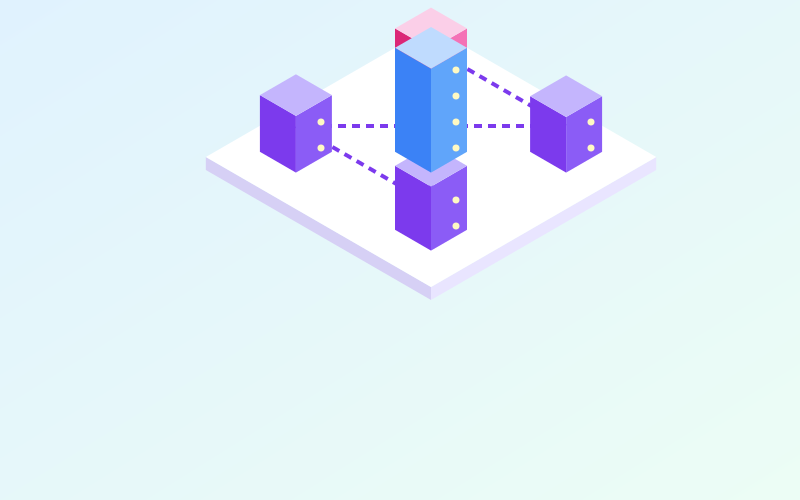
A NAS (Network Attached Storage) is a computer dedicated to storage, connected to the local network, that makes files and services available to every device at home or in the office. It is useful for centralising documents and photos, receiving PC backups, storing camera recordings or acting as a small media server. Choosing and configuring it well avoids the two most common disappointments: poor performance and, worse, lost data despite RAID.
First question: what will you use it for
Your needs determine the hardware:
| Main use | What matters most |
|---|---|
| Family documents and photo archive | Reliability, snapshots, low power draw |
| PC backup target | Capacity, write speed |
| Video surveillance | Drives suited to continuous writes, number of supported streams |
| Media server with transcoding | CPU with video acceleration |
| Virtual machines and containers | More RAM, a stronger CPU, SSDs |
A two-bay NAS is enough for most homes; from four bays upwards you get more flexibility in protection and capacity growth.
Drives and RAID
RAID combines several drives to gain redundancy, performance or both:
- RAID 1 (mirror): two identical drives, each holding a complete copy. One can fail without data loss. Usable capacity equals one drive.
- RAID 5: at least three drives, with one drive's worth of parity. It survives one drive failure.
- RAID 6: at least four drives, two drives' worth of parity. It survives two simultaneous failures, useful with very large drives, whose rebuild takes many hours.
- RAID 0: no redundancy, speed only. If one drive fails you lose everything.
Use drives designed for continuous NAS duty, ideally bought at different times or from different batches to reduce the risk of simultaneous failures.
RAID is not a backup
This is the most dangerous misconception. RAID protects against one kind of problem: the physical failure of a drive. It does not protect against:
- accidental deletions, which are instantly replicated to every drive;
- ransomware encrypting the shared folders;
- failure of the whole NAS, fire, theft, power surges;
- errors during an update.
That is why the NAS itself must be copied to another medium, ideally also off site or in the cloud.
File systems and snapshots
Many modern NAS units use file systems such as Btrfs or ZFS, which offer two valuable features:
- snapshots: an instant "photograph" of the state of the folders, which takes up space only for subsequent changes. If a file is deleted or encrypted, you can recover yesterday's version in seconds;
- integrity checking: data carries checksums that make it possible to detect silent corruption.
A typical policy: hourly snapshots kept for two days, daily ones for a month, weekly ones for a few months. If possible, make snapshots immutable for a set period, so an attack cannot delete them.
Shares and permissions
- Use the SMB protocol (version 3) for Windows and macOS; disable version 1, which is obsolete and insecure.
- Create one user per person and do not use the administrator account for everyday access.
- Organise folders by purpose (documents, photos, backups) and assign permissions to folders, not individual files.
- Give backup destinations write-only permissions, or use a dedicated account the PCs use for nothing else.
Access from outside the home
This is where the most serious mistakes are made. Exposing the NAS admin interface or shares directly on the Internet means offering a target to anyone scanning the network for vulnerable devices.
The safer alternatives:
- a VPN on the router or on the NAS itself, to connect as if you were at home;
- the vendor's remote access services that require no open ports, after weighing their security and the data passing through them;
- a reverse proxy with strong authentication, only for individual web applications and only if you can keep it updated.
Maintenance
- Turn on email or push notifications for drive errors, temperature and updates.
- Schedule periodic drive checks (SMART tests) and volume checks (scrubbing).
- Install NAS operating system updates after confirming the backup is recent.
- Connect the NAS to a UPS and configure it to shut down cleanly when the battery is running out.
In short
- Choose the NAS according to its use: archive, backup, surveillance or services.
- RAID protects against a drive failure, not against deletions, ransomware or disasters.
- Btrfs or ZFS snapshots let you quickly recover earlier versions.
- Use SMB 3, separate users and per-folder permissions.
- Access it from outside through a VPN, and copy the NAS to a second medium.