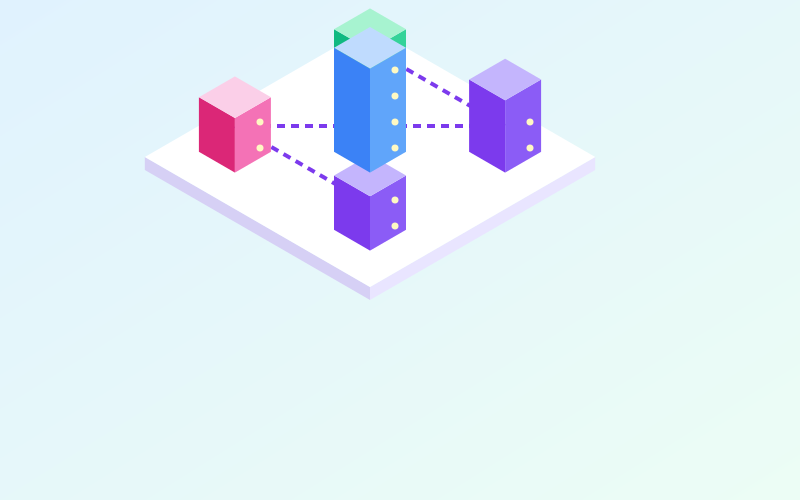
A home server is an always-on computer that hosts services for you and your family: file storage, photos, home automation, DNS filtering, backups, monitoring. Keeping these services at home means controlling where your data lives and not depending on subscriptions. It also means becoming your own system administrator, with the responsibilities that come with it.
Hardware: less than you think
For most home uses you do not need a rack server. The most common options:
| Option | Pros | Cons |
|---|---|---|
| Mini PC | Quiet, low power, good performance | Little room for drives |
| Repurposed old desktop | Zero cost, expandable | Higher power draw, noise |
| Low-power board such as a Raspberry Pi | Minimal power, cheap | Limited performance and storage reliability |
| NAS with container support | Drives already managed, all in one | Often a modest CPU |
An often overlooked aspect is power consumption. A device running 24 hours a day all year uses about 8.8 kWh per year for every watt of average draw. An old desktop idling at 60 W reaches over 500 kWh a year, an 8 W mini PC about 70. Multiply by the price of electricity and the comparison becomes obvious.
Prefer an SSD for the system and, if you hold important data, at least two drives in a mirror. RAM matters more than the CPU when you run many services in parallel.
The operating system
- A server Linux distribution, such as Debian or Ubuntu Server, is the most flexible and best-documented choice.
- A hypervisor such as Proxmox VE lets you run several separate virtual machines and containers on the same hardware, with built-in snapshots and backups.
- Storage-oriented systems, such as TrueNAS, combine ZFS disk management with applications.
If you are starting from scratch, a hypervisor offers a practical advantage: you can try a service in a virtual machine and, if something goes wrong, delete it without touching the rest.
Containers: each service in its own box
With Docker or Podman each service runs in an isolated container, with its own dependencies. A configuration file, for example a compose.yaml, describes which images to use, which ports to expose and which folders to persist. The advantages:
- clean installation and removal;
- simple updates, by pulling the new image version;
- reproducible configuration: if the server fails, you rebuild everything from those files and the saved data.
Keep the services' data (folders mounted into the containers) separate from the containers themselves: the data is what needs backing up.
Services worth hosting
- DNS filtering for the local network, to block advertising and malicious domains on every device.
- File storage and sync, an alternative to cloud services for documents and photos.
- Home automation hub, making devices from different brands work together and often running even without Internet.
- Media server for personal films and music.
- Self-hosted password manager, if you can guarantee its backups and updates.
- Monitoring of the network and services, so you know when something stops.
- Backup target for the household computers.
Start with one or two services and add more only once the first ones are stable and backed up.
Exposure to the Internet: carefully
The temptation is to open ports to reach everything from outside. But every exposed service is an attack surface, and many hobby projects are not designed to sit on the Internet. In order of caution:
- access only via VPN: nothing exposed, everything reachable as if you were at home;
- a tunnel to an external service that publishes only specific applications with authentication;
- an exposed reverse proxy with HTTPS and extra authentication, only for what truly needs to be public.
Put the server on a network separate from other devices, if your router allows it.
Day-to-day management
- Updates: enable automatic security updates for the system and schedule periodic container updates.
- Backups: copy data and configuration files to another medium and, at least for what is precious, off site. Test a restore now and then.
- Documentation: note what runs, on which ports, with which credentials stored in your password manager. In six months you will not remember.
- Access: log in over SSH with keys rather than passwords and disable direct root login.
- Power: a small UPS protects against sudden shutdowns that can corrupt data.
In short
- A low-power mini PC is enough for most home services.
- A hypervisor and containers make services isolated, updatable and rebuildable.
- Start with a few useful services and add more only once the first are stable.
- Prefer a VPN to direct exposure on the Internet.
- Updates, tested backups and documentation are part of the job, not an extra.